

Table of Contents
- Why a US Based IT Helpdesk Changes Support for Good
- IT Help Desk Outsourcing Pros and Cons
- IT Help Desk Response Time: Why Minutes Matter
- IT Help Desk Costs and Total Cost of Ownership
- IT Help Desk Security Benefits You Can Measure
- US Based vs Offshore Support: A Side-by-Side Look
- How to Verify a Provider Is Genuinely US Based
- Choosing the Right Support Model for Your Business
- Frequently Asked Questions
Last Updated: October 18, 2026
Why a US Based IT Helpdesk Changes Support for Good
A US based IT helpdesk is a support model where live technicians in domestic time zones handle tickets, calls, and escalations for your business. At TekaByte, we run one every day, and we see the same pattern: the model itself changes how support feels, not just where it comes from. The difference shows up in response time, accountability, and how quickly a small issue gets fixed before it becomes an outage. Below, we break down seven benefits, the trade-offs, and how to choose a model that fits an SMB with 10 to 100 employees.
IT Help Desk Outsourcing Pros and Cons
Outsourcing a help desk trades direct control for access to a trained team, predictable costs, and coverage you could not staff alone. The pros usually outweigh the cons for small and mid-sized businesses, but only when you understand what you are giving up before you sign.
The Pros: What You Gain
- Access to skilled IT specialists without recruiting, hiring, or training them yourself
- Faster response and issue resolution because tickets reach a staffed queue, not a single overloaded generalist
- Extended coverage across business hours and after-hours support
- Predictable operating costs through a flat monthly fee instead of emergency call invoices
- Scalability and flexibility as headcount grows or seasonal demand spikes
- Reduced downtime because monitoring and incident management happen proactively
The Cons: What to Weigh First
- Less day-to-day control over how individual tickets are handled
- Onboarding time before a provider understands your legacy systems and workflows
- Vendor dependence if you never document your environment internally
- Variable service quality across providers, which makes vetting essential
The most common mistake is choosing on price alone. A cheap contract that leaves you waiting hours for a response costs far more in lost productivity than the monthly savings. Ask for written response and resolution targets before you compare quotes.
IT Help Desk Response Time: Why Minutes Matter
Response time is the clock from when a user submits a ticket to when a technician acknowledges and starts work. In practice, a 15-minute first response versus a 4-hour one is the difference between a minor hiccup and a half-day of lost work for your team.
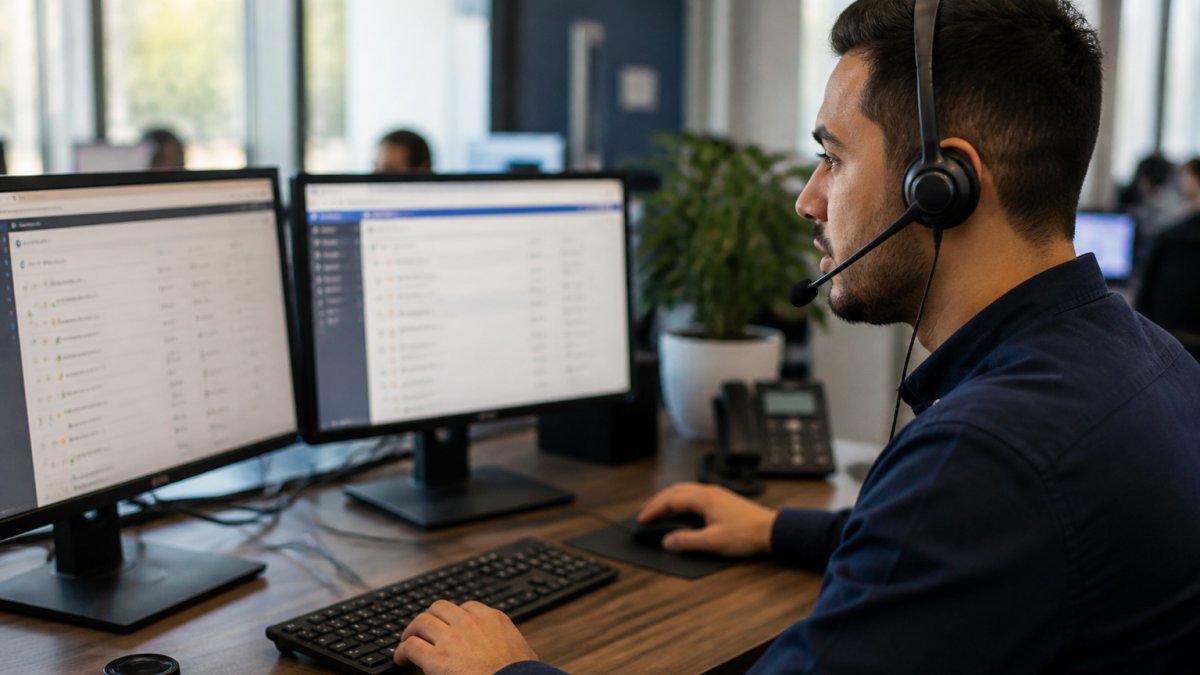
Time-zone alignment is the quiet advantage here. When your support team works your hours, a ticket filed at 2 PM on a Tuesday gets a live answer, not an overnight queue. That is why phones answered live during business hours matter: escalation happens in minutes, and first-contact resolution becomes realistic rather than aspirational.
IT Help Desk Costs and Total Cost of Ownership
Total cost of ownership for a help desk includes far more than the invoice. It covers salaries and benefits for in-house staff, recruiting and training time, ticketing and monitoring tools, and the productivity lost to downtime. Most comparisons stop at the monthly fee, which is why so many small and mid-sized businesses underestimate what an in-house desk actually costs and overestimate what an outsourced one saves.
A useful TCO model puts every cost into one of five buckets and compares them side by side over a 12-month horizon:
- Labor, salary, payroll taxes, benefits, paid time off, and coverage for vacations and sick days. A single in-house technician cannot cover 40 hours a week alone without either overtime or a second hire.
- Recruiting and onboarding, job postings, screening time, and the weeks a new hire spends learning your legacy systems before becoming productive.
- Tools and licenses, ticketing, remote monitoring and management, endpoint protection, backup, and the software seats each technician needs.
- Downtime and lost productivity, the hours your team cannot work while a ticket waits. This is the largest hidden line item and the one a cheap contract inflates.
- Escalation and emergency costs, after-hours callouts, vendor incident fees, and the internal time spent chasing a resolution.
A flat monthly fee simplifies budgeting because it collapses labor, tools, and coverage into one predictable line item. That matters for nonprofits and finance managers who need operating costs they can forecast. But the fee is only half the equation. The other half is what the contract prevents you from spending.
Compare providers on total cost, not sticker price. A contract that costs more per seat but resolves issues on first contact can beat a cheaper one that leaves users waiting hours, the productivity difference usually dwarfs the fee difference.
To build a fair comparison, ask each provider for a written quote that states headcount assumptions, service scope, coverage hours, and response and resolution targets. Then estimate your own downtime cost: multiply the number of employees affected by an average outage by their loaded hourly rate and by the hours lost per month. Add that figure to the contract fee. The provider with the lower total, not the lower invoice, is the better buy.
Pricing depends on headcount, service scope, and coverage hours, so no responsible provider will quote a figure without those inputs. Treat any quote that arrives without them as a starting point for questions, not a decision.
IT Help Desk Security Benefits You Can Measure
Security benefits from a managed help desk are concrete: patching cadence, endpoint monitoring, access control, and incident response. For clinics handling protected health information, the HHS guidance on HIPAA Security Rule safeguards sets the standard a support partner must meet, and for any business, the NIST Cybersecurity Framework offers a practical structure for managing risk.
Data protection and data residency belong in the conversation too. Ask where support staff are located, how they access your systems, and what happens to data during a remote session. A US based IT helpdesk keeps sensitive data handling under domestic jurisdiction and closer to your compliance obligations. Maintaining this level of oversight requires a rigorous vetting process when evaluating the risks and benefits of customer support outsourcing.
US Based vs Offshore Support: A Side-by-Side Look
The core trade-off is cost against alignment. Offshore support can lower the hourly rate, but US-based support buys time-zone alignment, clearer communication, and easier compliance. The table below compares the two models on the factors that decide service quality, and the sections after it explain the mechanism behind each row.
| Factor | US Based Support | Offshore Support |
|---|---|---|
| Time-zone alignment | Same business hours | Often overnight lag |
| Communication | Native English, less friction | Can require repetition |
| Data residency | Domestic jurisdiction | Cross-border transfer |
| Response during business hours | Live phone answer | Queue or callback |
| Cost per seat | Higher | Lower |
| Compliance fit | Easier for HIPAA and legal | Needs extra review |
Time-zone alignment is a resolution mechanism, not a convenience. When your support team works your hours, a ticket filed at 2 PM on a Tuesday reaches a technician who can call the user, reproduce the problem, and escalate to a vendor while that vendor is still open. An overnight queue turns a same-day fix into a next-day fix, and a next-day fix into a second day of lost work. The cost of that lag rarely appears on an invoice, but it shows up in payroll and missed deadlines.
Communication friction compounds. Every round of repetition, a misunderstood step, a re-explained symptom, adds minutes to a ticket and increases the chance of a misdiagnosis. Native-language support reduces that friction, but the bigger factor is shared workplace context: familiarity with how domestic teams file tickets, which systems are business-critical, and when to escalate rather than troubleshoot.
Data residency and compliance are easier to defend when support stays domestic. A US-based help desk keeps sensitive data handling under domestic jurisdiction and closer to your compliance obligations. For clinics handling protected health information, the HHS guidance on HIPAA Security Rule safeguards sets the standard a support partner must meet, and for any business, the NIST Cybersecurity Framework offers a practical structure for managing risk.
Measure both models against the same service-level agreement. Define first-response time, resolution time, first-contact resolution, ticket backlog, and user satisfaction before you compare quotes. A US-based provider should commit to a live phone answer during business hours and a first-response target measured in minutes, not hours. An offshore provider may meet the same numbers on paper, but the clock often starts when their shift begins, not when your user submits the ticket. Ask how each provider measures the clock and where the handoff occurs.
Do not accept a comparison that pits a US-based quote against an offshore hourly rate without normalizing coverage hours, escalation paths, and SLA terms. The models are only comparable when measured against the same targets.
Neither model is wrong for every business. The question is whether faster resolution and simpler compliance are worth the higher seat cost for your team, and whether the provider can prove, in writing, that the model it sells is the model it runs.
How to Verify a Provider Is Genuinely US Based
Verification takes four steps, and any provider should answer them without hesitation.
- Ask for the physical locations of the support staff who will handle your tickets
- Confirm whether phones are answered live during your business hours, and test it
- Request written service-level agreement terms for response and resolution
- Ask how data is accessed and stored, and where
Call the provider’s support line yourself before signing, ideally at an odd hour. How fast a real person picks up tells you more than any sales deck.
Choosing the Right Support Model for Your Business
Match the model to your gaps. If you have an internal IT manager who needs backup, co-managed services fit. If you have no IT staff at all, a fully managed help desk covers the whole stack. If budget is tight, weigh the flat monthly fee against the true cost of emergency calls.
This is where TekaByte fits. Our 100% US-based support means phones answered live by real people during business hours, with clear, jargon-free communication. We pair that with enterprise-grade security, backup and disaster recovery, and a flat monthly fee that keeps operating costs predictable. For an SMB deciding between models, the honest answer is that the right partner makes support feel less like a cost center and more like part of your team.
Frequently Asked Questions
What are the benefits of a US based IT help desk?
The main benefits of a US based IT helpdesk are faster response times, live phone support during business hours, time-zone alignment with your staff, and stronger data protection. Support teams also understand local compliance needs like HIPAA for clinics and client confidentiality rules for law firms. For small and mid-sized businesses, that combination means fewer repeat tickets, less downtime, and a support team that communicates in plain English instead of jargon.
How does a US based IT help desk differ from an offshore help desk?
The biggest differences are time-zone alignment, communication style, and data handling. A US based IT helpdesk typically answers calls live during your business hours, so a 2 PM outage gets handled at 2 PM, not overnight. Offshore teams often work in overlapping shifts and can be harder to reach by phone. Data residency also matters: keeping ticket data and system access inside the country simplifies compliance and reduces the number of parties touching sensitive information.
Can a US based IT help desk improve response times?
Yes, mostly because of time-zone alignment and live phone coverage. When your support team works the same hours as your staff, a ticket opened mid-afternoon gets worked mid-afternoon. Ask any provider for their service-level agreement in writing, including first-response time and first-contact resolution targets. TekaByte answers phones live by real people during business hours, which removes the callback queue that slows down many outsourced help desks.
How much does outsourced IT help desk support cost?
IT help desk costs vary widely based on user count, coverage hours, and whether you need cybersecurity and compliance support bundled in. Most managed providers charge a flat monthly fee per user or a tiered flat fee, which makes budgeting predictable compared to hourly emergency rates. TekaByte does not publish set pricing because it depends on your environment, so the most reliable step is to request a free consultation and a written quote for your specific headcount and systems.
The hardest part of choosing a help desk is knowing which questions to ask before you commit. TekaByte removes the guesswork with 100% US-based live support, enterprise-grade security, and a flat monthly fee that simplifies budgeting. Schedule a free IT support consultation and see how predictable, responsive support changes your day.